News: Canva or Word, which résumé inspires more confidence?
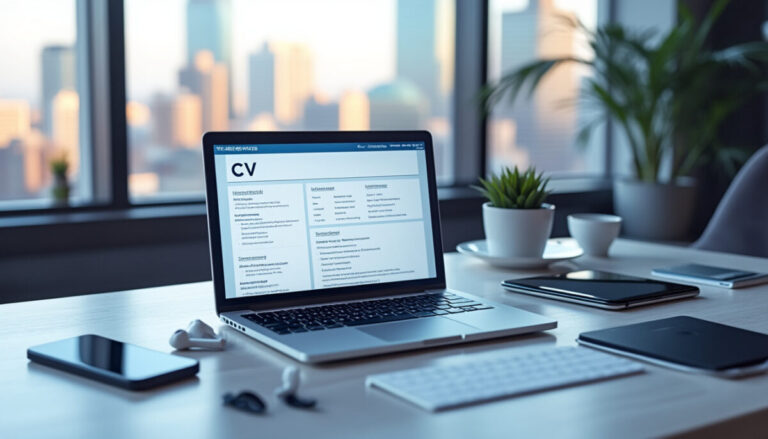
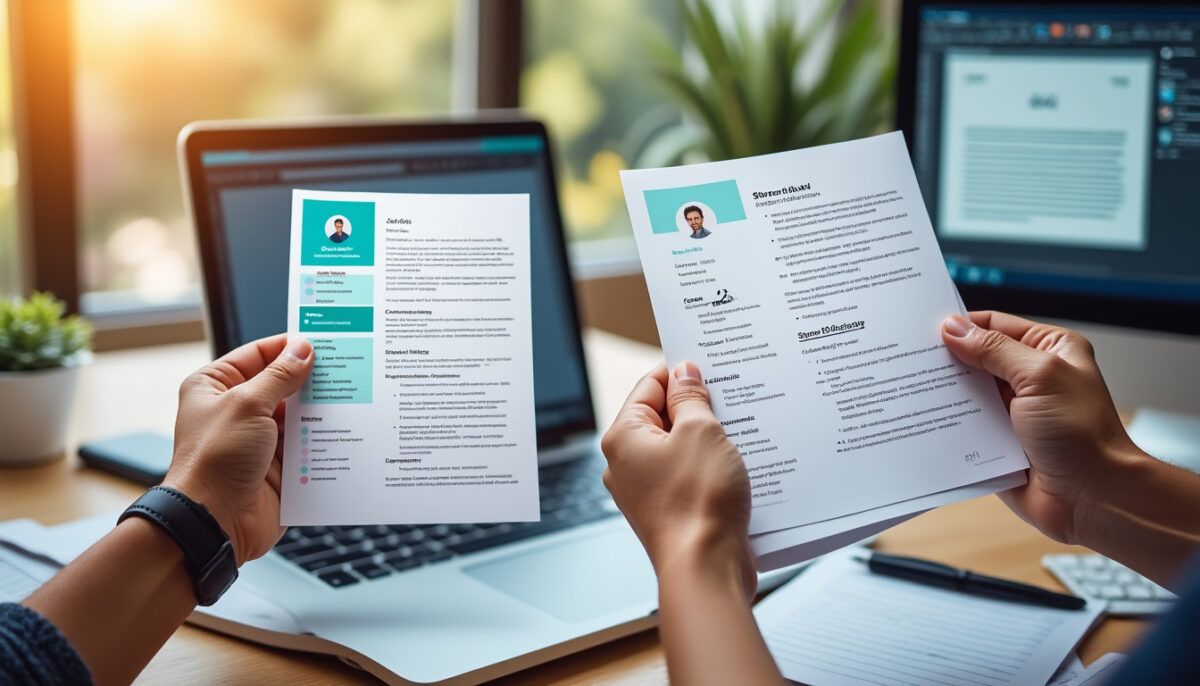
Hi, it’s Cyril. Canva or Word can both work for a CV: the most important thing is a readable layout and a file that follows the recruiter’s instructions. For an application portal, use a simple structure with real text, then check the exported file. No design software can guarantee that every ATS will read it correctly.
Things to do right away:
- Test your CV by copying and pasting all its text into a plain-text editor to check the order and readability.
- If you use Canva, export your CV as “Standard PDF” without flattening it to avoid an SVG or image-based PDF.
- Choose a simple single-column template when working in Canva.
- Create a backup “Word” version of your CV for applications through ATS platforms.
- Avoid icons, floating text boxes, and multiple columns that can confuse ATS parsers.
Word is handy for editing a structured document; Canva makes visual composition easier. In both cases, don’t sacrifice headings, dates, and contact details for decoration. A portfolio can complement a simple CV if the role calls for it.
Here’s a 3-step method for optimizing your CV:
- Choose a clean Word template with a single column and standard fonts.
- Recreate the essentials of your Canva content in this new document without embellishments.
- Export in the requested format, check the text, and review the fields after uploading.
Example: a visually polished PDF can jumble dates and job titles when its text is copied. If that happens, switch back to a single column and conventional sections. This test can identify some extraction issues; it doesn’t simulate every recruitment tool.
Word, Canva, and ATS: what matters in the final file
DOCX files and text-based PDFs are accepted by many platforms. Greenhouse lists several supported formats. That doesn’t guarantee perfect extraction: the document’s internal structure matters too.
There is no universal ATS score or guaranteed threshold for getting an interview. An extraction error can affect automatically populated fields, but it doesn’t prove that your application will be automatically rejected. Review the imported information and correct it before submitting your application.
Layouts that can make extraction more difficult
Reading difficulties aren’t unique to Canva: they can also affect a complex Word document. Greenhouse mentions images, columns, and text boxes among the possible causes of parsing failures in its documentation on resume parsing.
- Image-based PDF: a scan or screenshot can make extraction more difficult; check the PDF’s text.
- Multi-column layout: can confuse the reading order, depending on the software.
- Floating text boxes and decorative icons: may be invisible to software or interpreted incorrectly.
A PDF can contain real text or just an image, regardless of the tool used to create it. Check that you can select your name and copy your experience in a coherent order. Keep your essential information as text, without relying solely on an icon.
How to create a CV in Word in three steps
1. Open Word, choose a simple CV template or a blank page, then create the main sections.
2. Replace the examples with your experience, concrete achievements, and skills relevant to the role. Avoid using text boxes for essential information.
3. Save the source file, then export it in the requested format. For Word for the web, Microsoft describes exporting to PDF via File → Export → Download as PDF; menu labels may vary by version.
The Microsoft guide to CV templates explains how to get started. Check which options are available in your version of Word before choosing a template.
How to choose a CV template that inspires confidence and works well
Design should never compromise readability. A template that inspires confidence in the hiring process is first and foremost simple, clear, and technically compliant.
| Need | Word | Canva | What to check |
|---|---|---|---|
| Update the content often | Structured document and templates | Visual editing by element | Dates and experience are easy to update |
| Submit through a portal | DOCX or PDF, as instructed | Check the available export options | Accepted format and correctly imported fields |
| Create a clean presentation | Simple template or blank page | Simple single-column template | Selectable text and coherent reading order |
| Showcase creative work | Simple CV and portfolio link | Visual formatting is possible | Skills are readable before decoration |
If you’re unsure, start with a single column and clearly labeled sections: Experience, Education, Skills. Keep an editable source file, then provide the version requested by the employer. The quality of the content and how well it matches the role remain essential.
5 practical tips to maximize your CV’s impact
- Always use a simple, linear structure without multiple columns.
- Avoid images, icons, and non-text graphic formats in your CV.
- Review the exported file and the fields imported into the application portal.
- Follow the format requested in the job posting or portal, whatever tool you use to create your CV.
- Always save as a .docx file and a tagged PDF using a compatible tool.
Are Canva CVs prohibited by ATS?
No. How well it’s read depends on the exported file, its layout, and the system used. A simple template with real text may work; check the imported fields.
Which file format is best for avoiding automatic rejections?
First, follow the recruiter’s instructions. If several formats are accepted, use a simple DOCX or a PDF with selectable text, and check the information after uploading.
How can I check whether my CV works with ATS?
Copy the text into a simple editor to spot any incoherent order, then review the portal fields. This check doesn’t guarantee compatibility with every ATS; avoid uploading your CV to an unfamiliar tool.
Can I use Canva for a speculative application?
Yes, if the file is clear and follows the requested format. A CV created in Canva can also be used on a portal if its export and extraction work properly.
Do I absolutely have to remove icons and graphic elements?
To simplify extraction, limit decorative elements and don’t replace essential information with an icon. This reduces some risks but doesn’t guarantee perfect reading.
Thanks for your continued interest; Cyril